Shift Scheduling

Manual scheduling is time-consuming and increases the risk of mistakes.

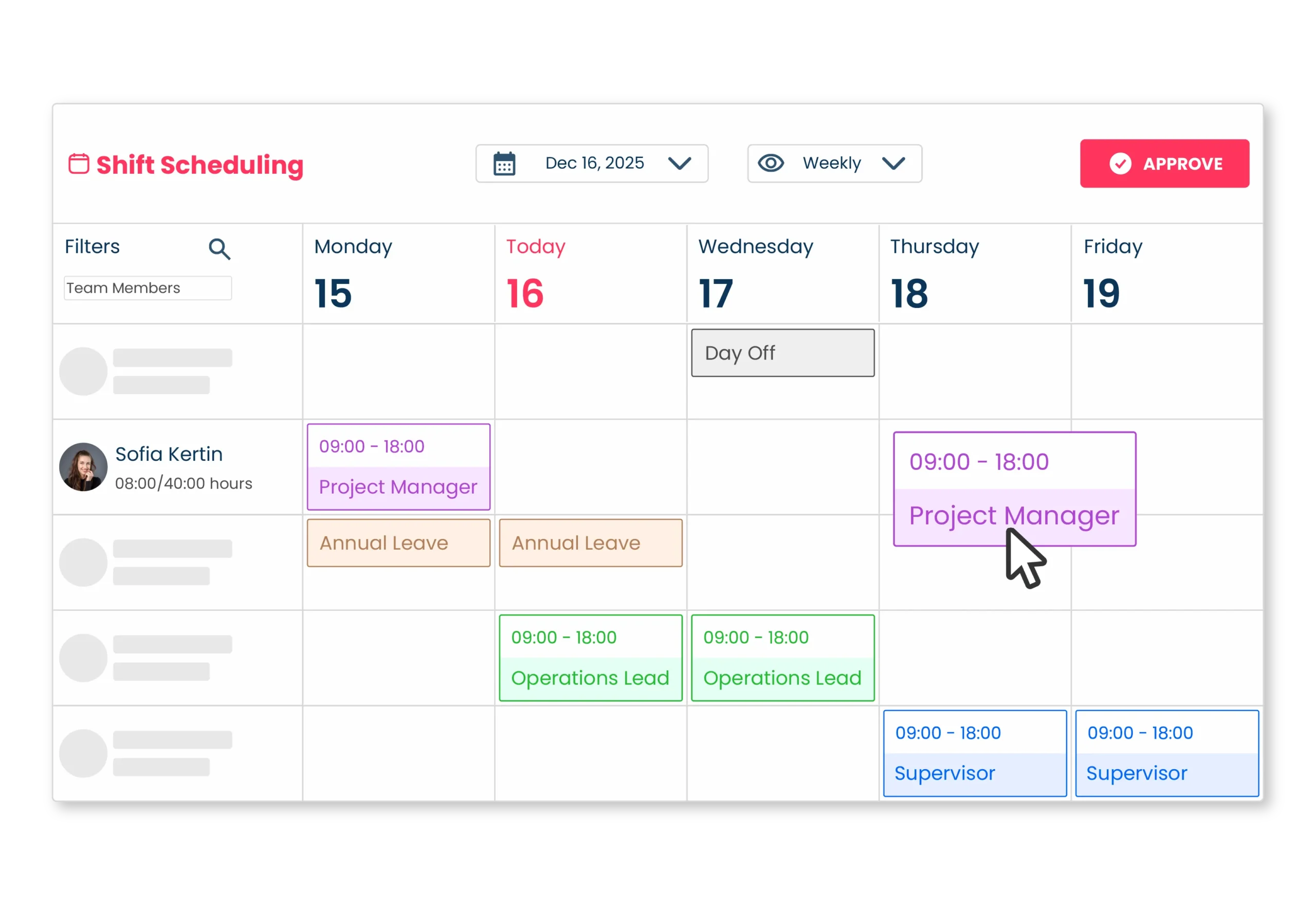
Fast Shift Scheduling

Manual scheduling is time-consuming and increases the risk of mistakes. Teamclok’s Fast Shift Scheduling feature allows you to create weekly or daily schedules in just minutes.

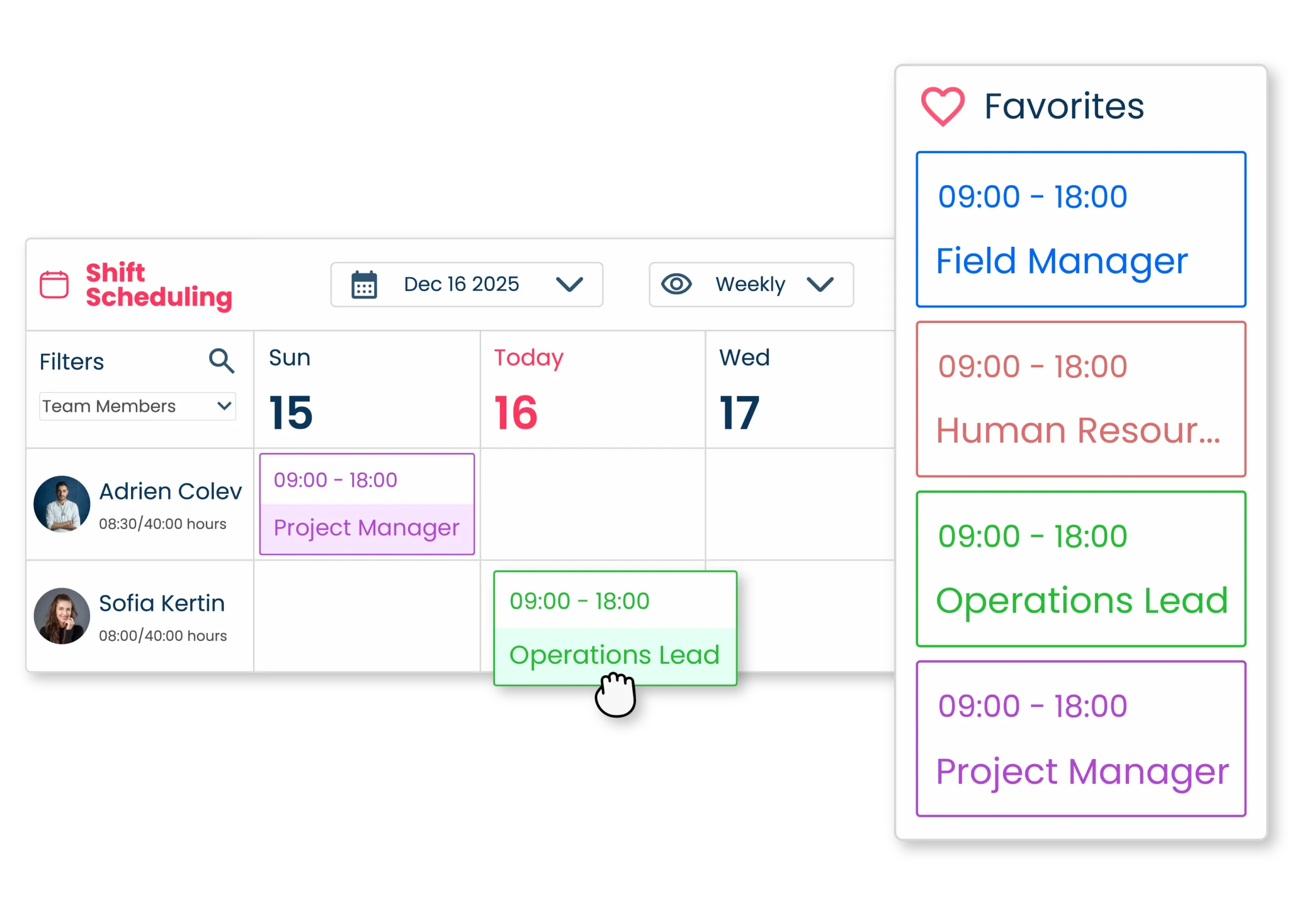
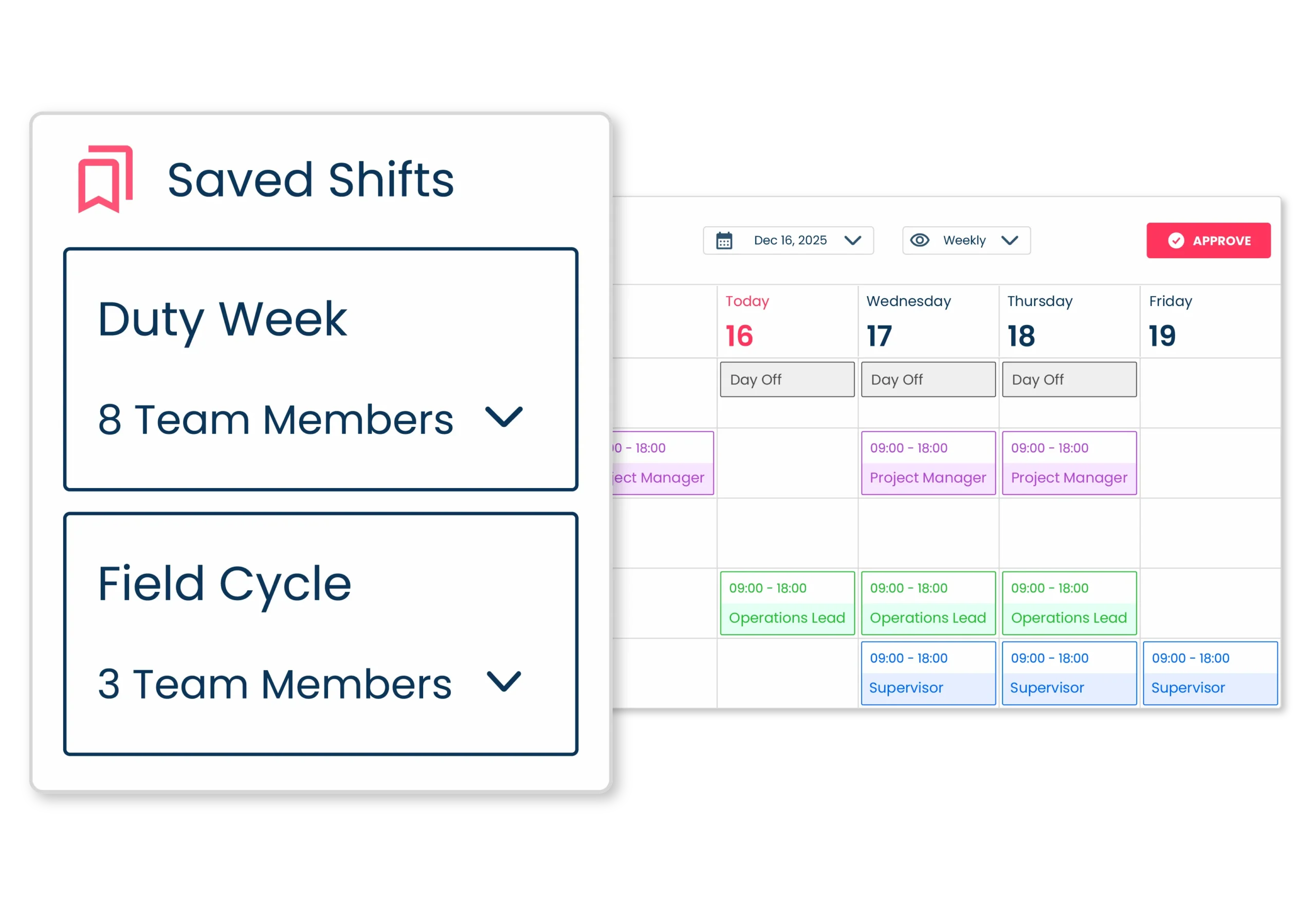
Shift Templates

Stop rebuilding the same schedules every week.
With Teamclok, you can save your most commonly used shift patterns as templates.

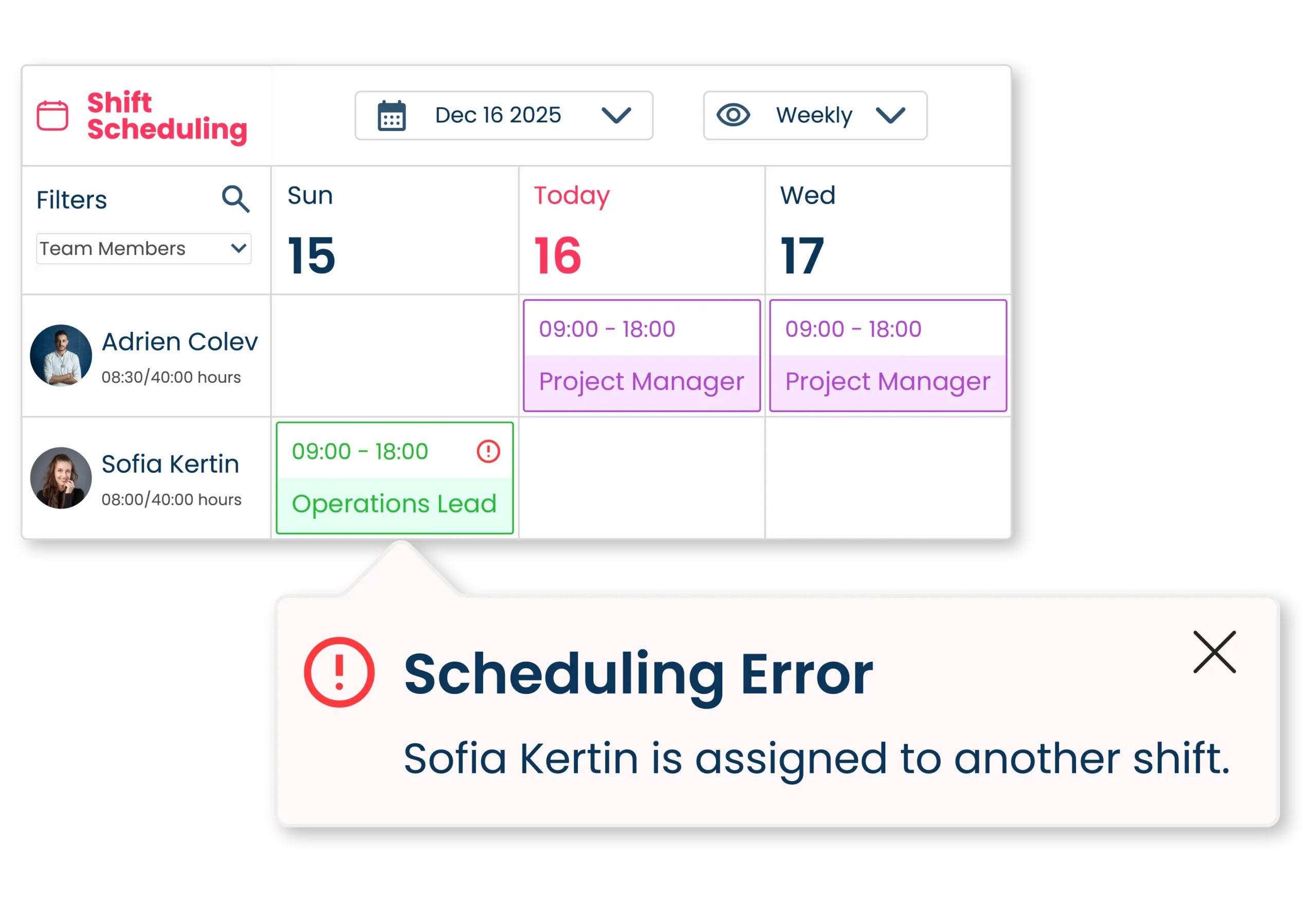
Conflict Alerts

Catch errors before they happen.
Teamclok automatically notifies you when a shift overlaps with another or an approved time off request.

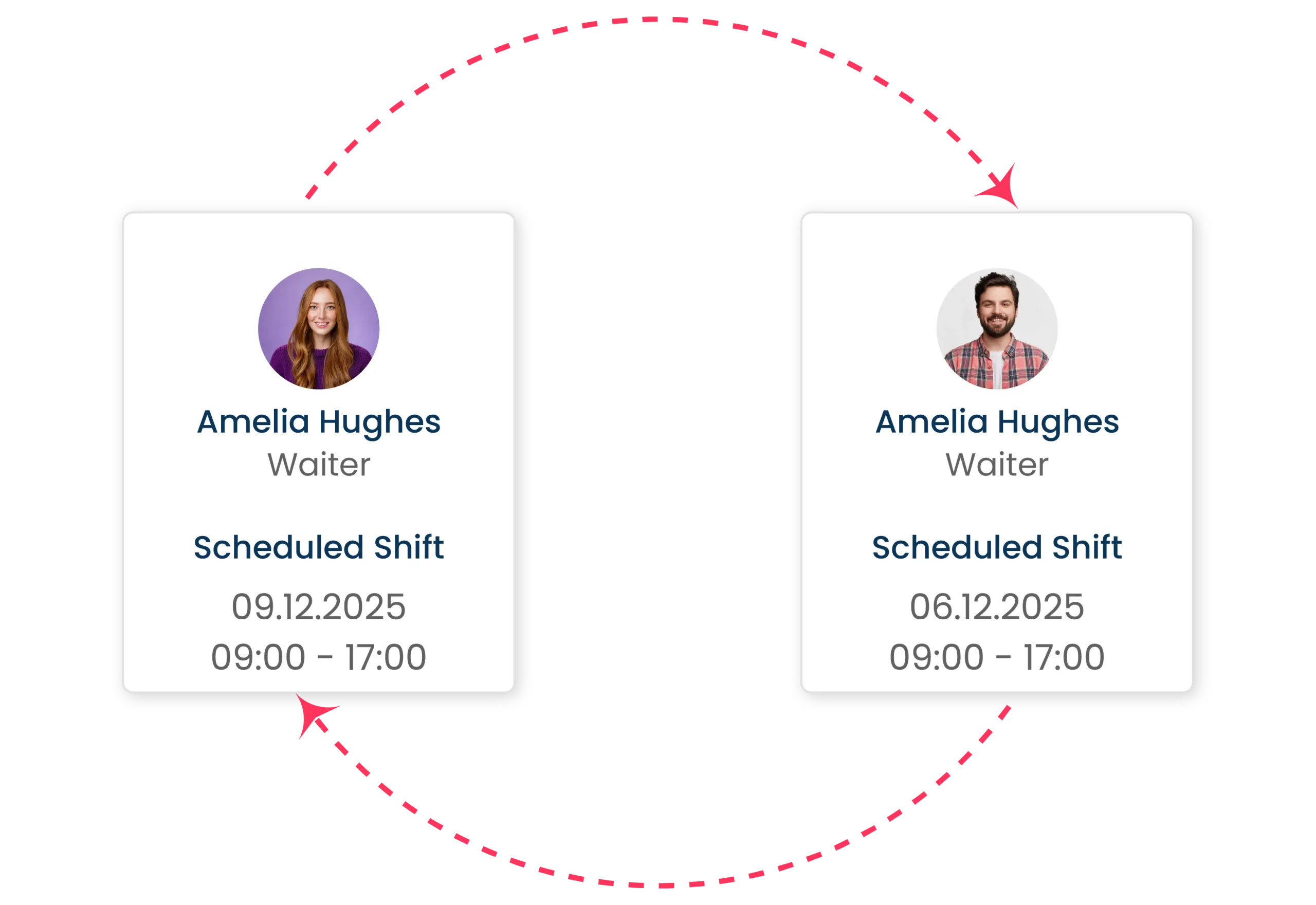
Shift Swap Requests

Give your team the flexibility they need. With Teamclok, employees can easily swap/exchange shifts among themselves.

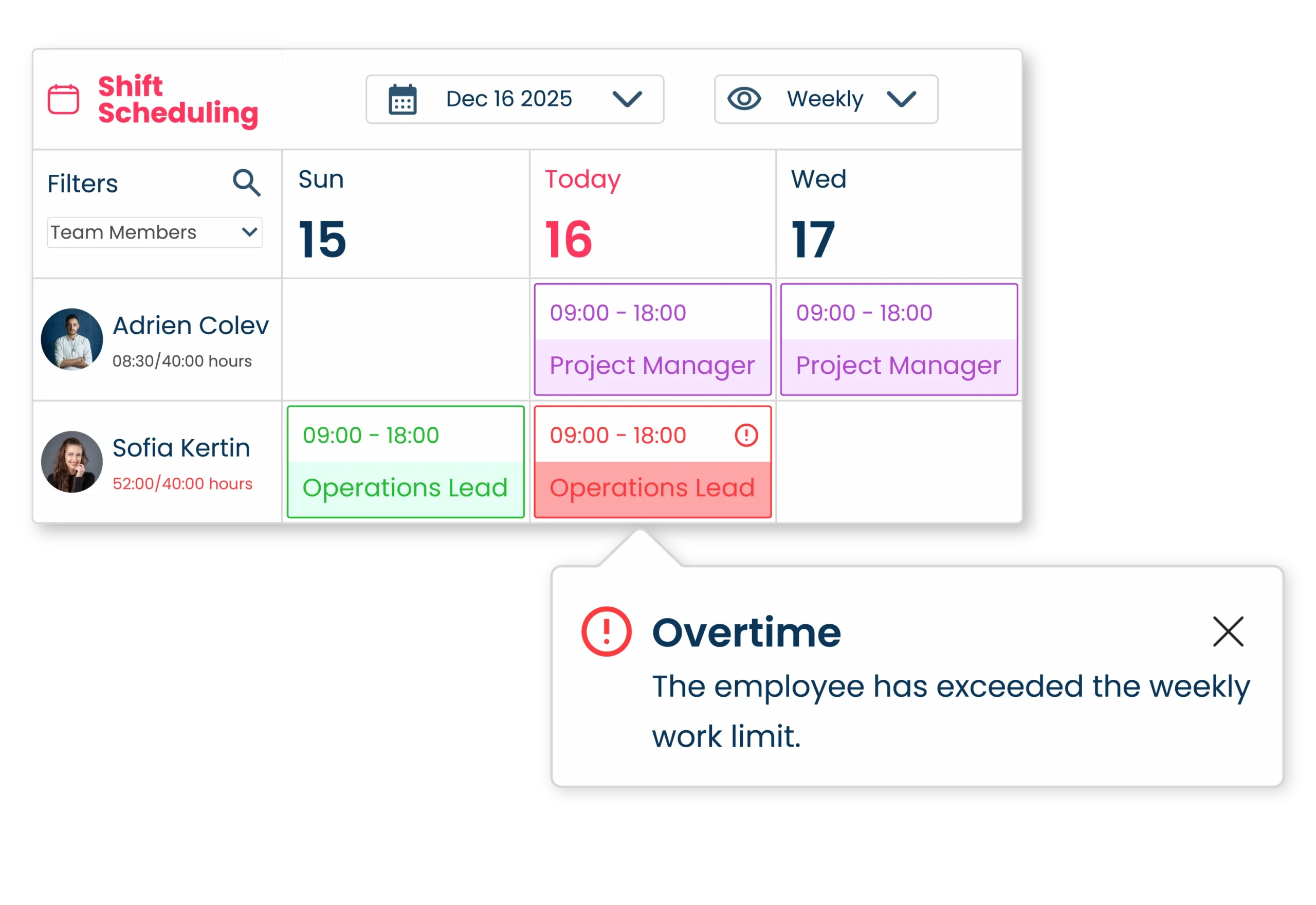
Overtime Alerts

Keep your schedules compliant and balanced. Teamclok helps you to stay within your time limits and avoid overtime issues.

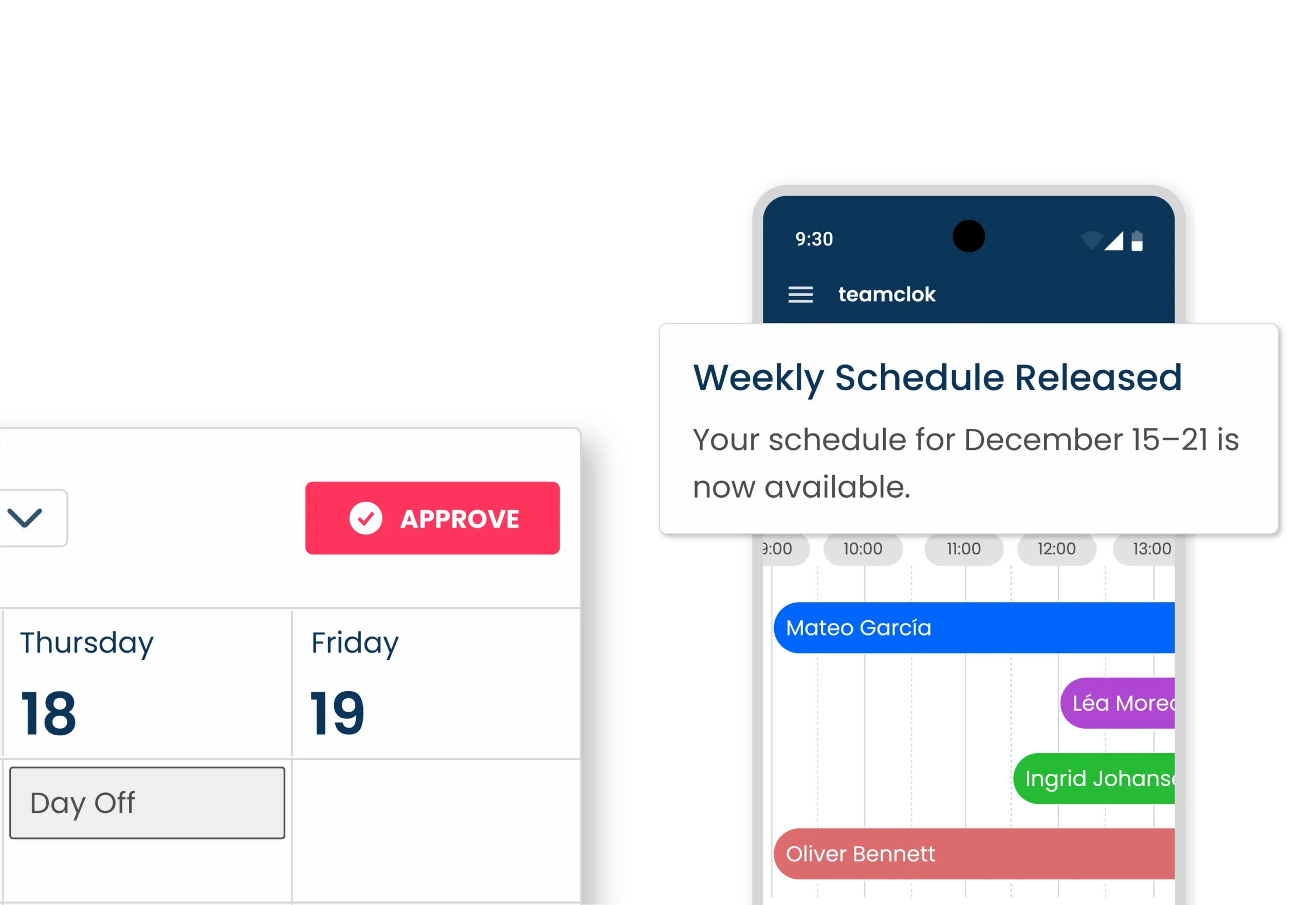
Approvals and Notifications

Share your schedules instantly after approval. Teamclok’s built-in notifications keep everyone informed and connected.

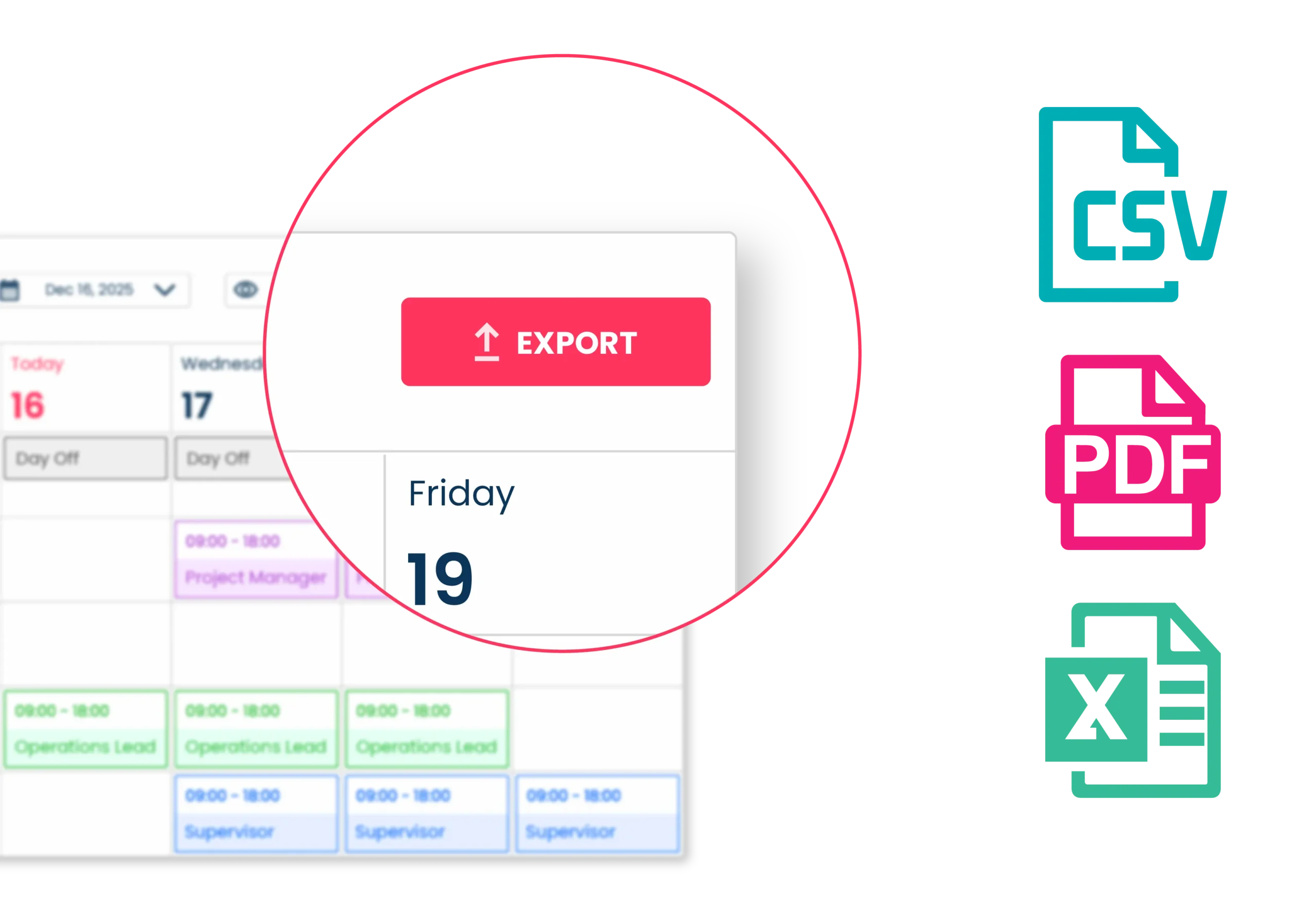
Export Options (CSV, Excel, PDF)

Sharing and archiving schedules has never been easier. With Teamclok, you can export your shift plans in whichever format you need.

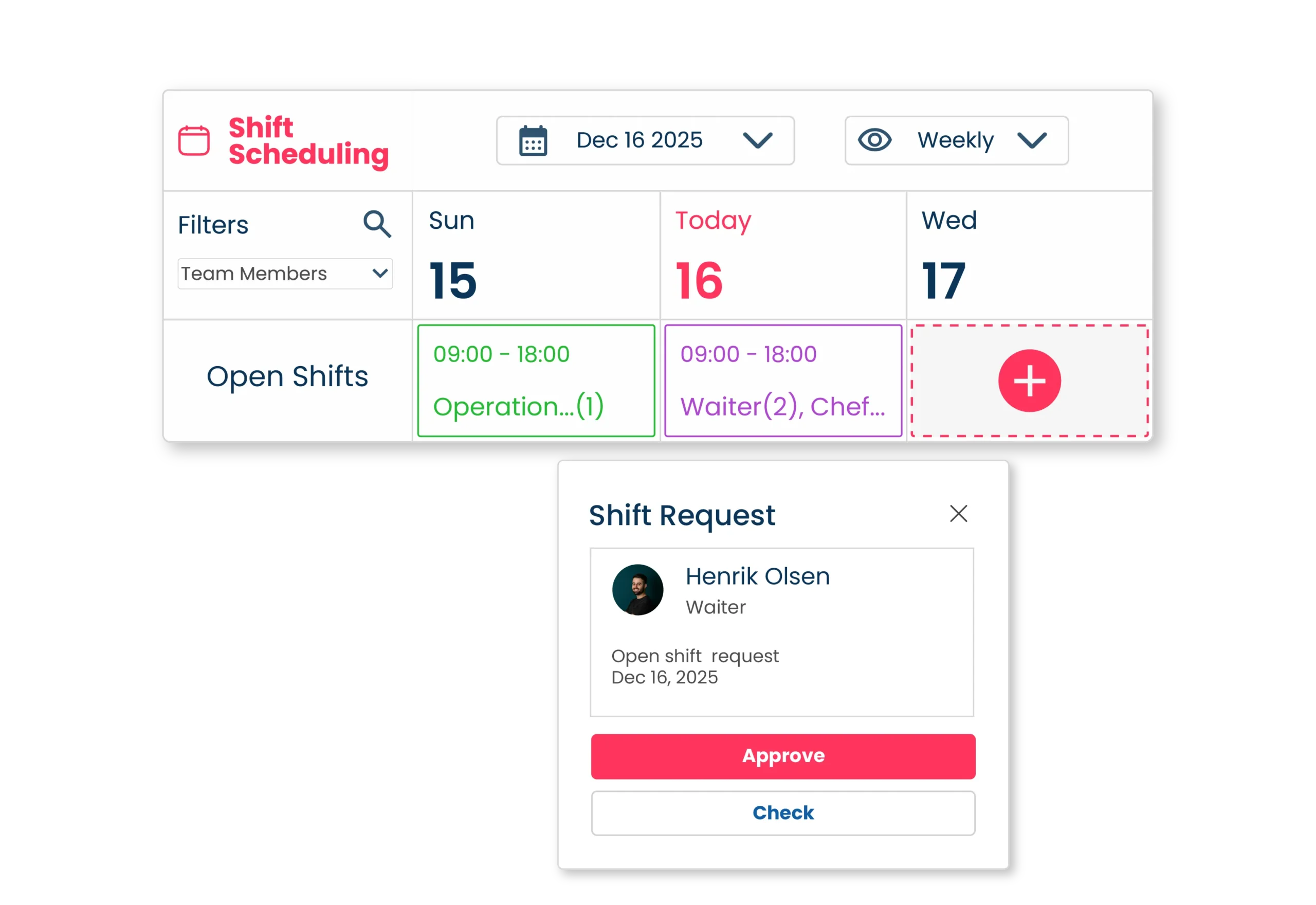
Open Shifts

Easily manage unassigned shifts.
With Teamclok, employees can view and request open shifts directly.

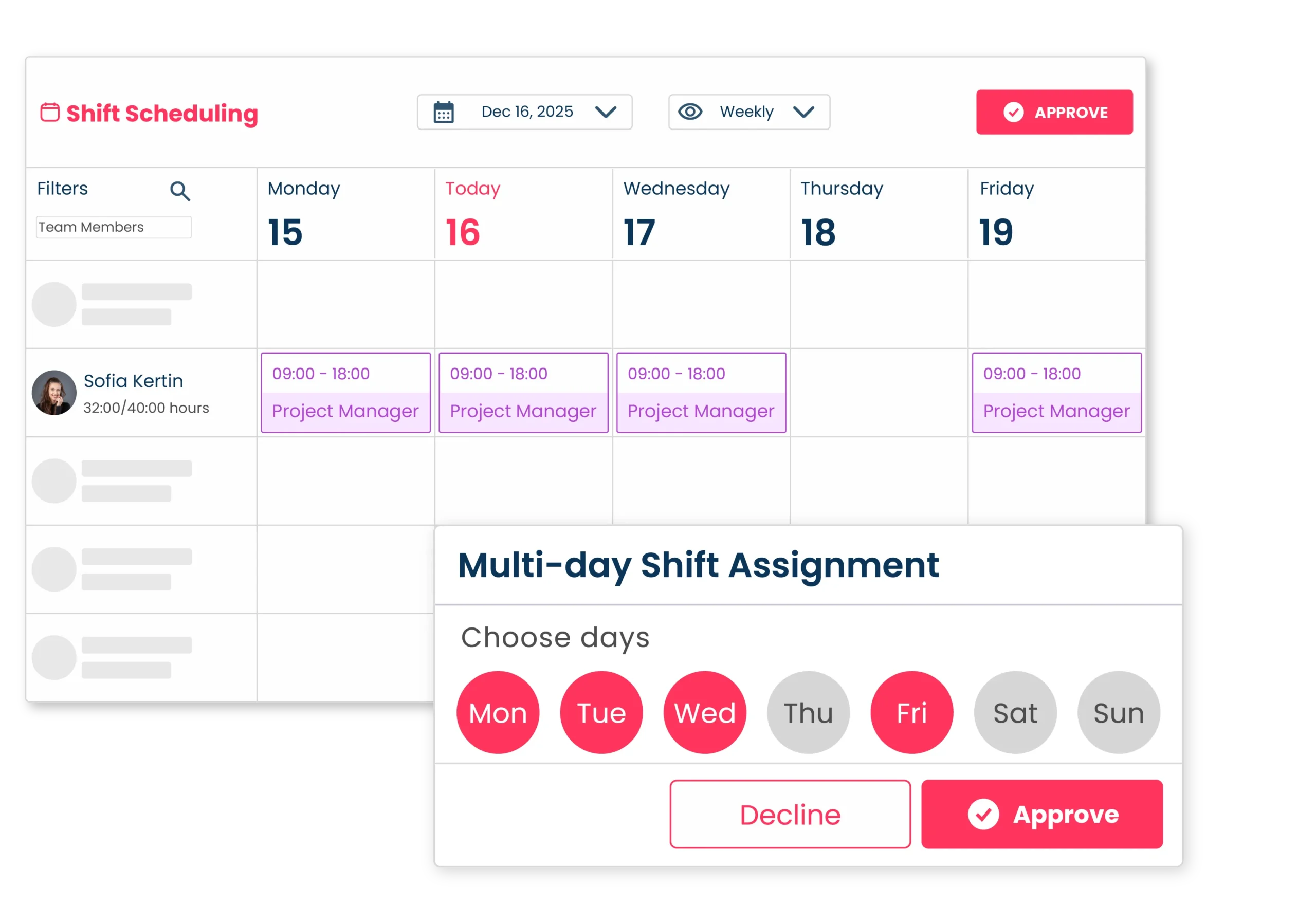
Multi-day shift assignment

No more adding the same shift one by one! Teamclok’s multi-day assignment feature saves you valuable time.

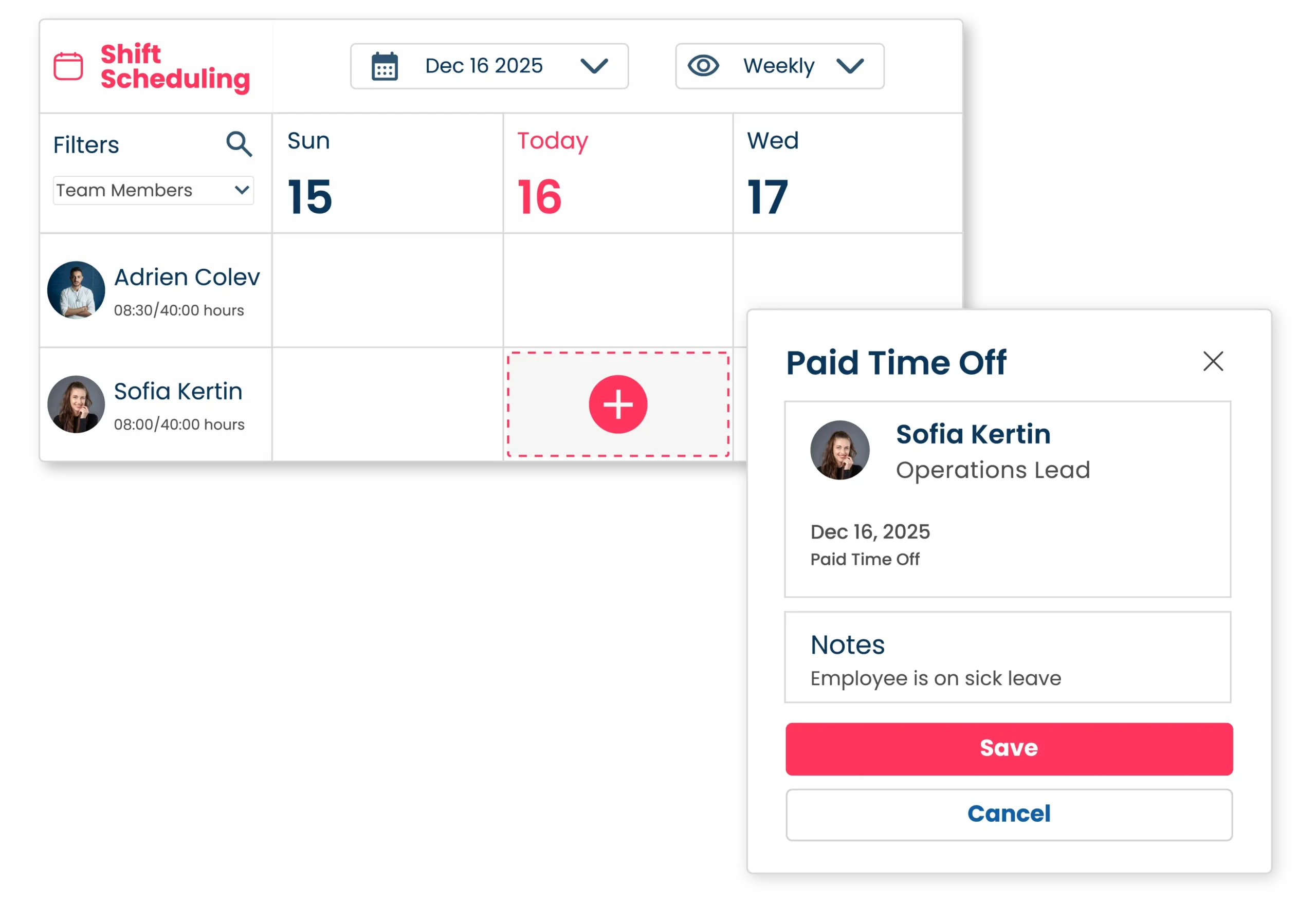
Time Off Management

Integrate time off directly into your schedule. Teamclok automatically takes all approved leave into account when planning.

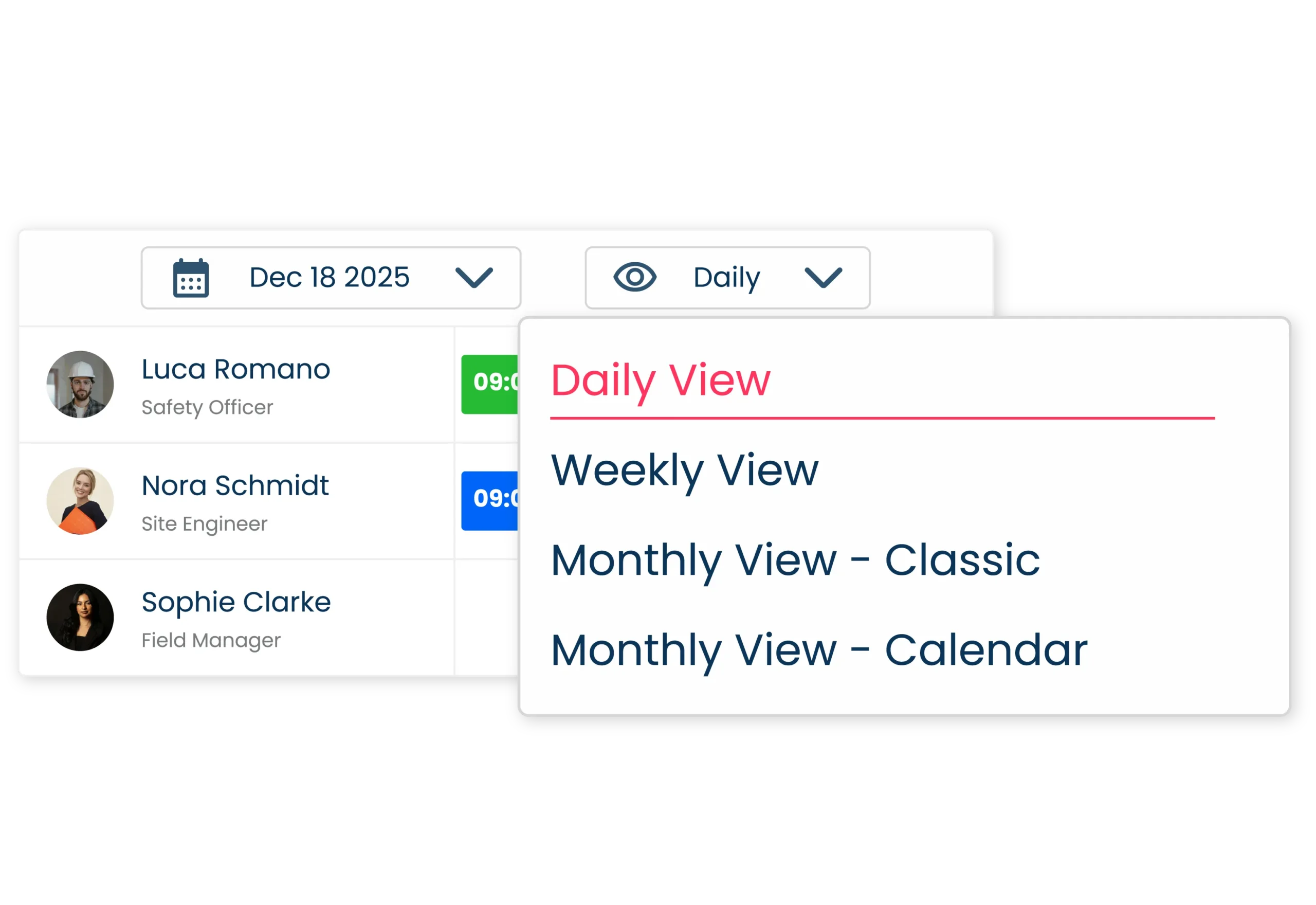
Views and filters

Make large team schedules easier to manage. Teamclok’s smart view and filter options remove the clutter.

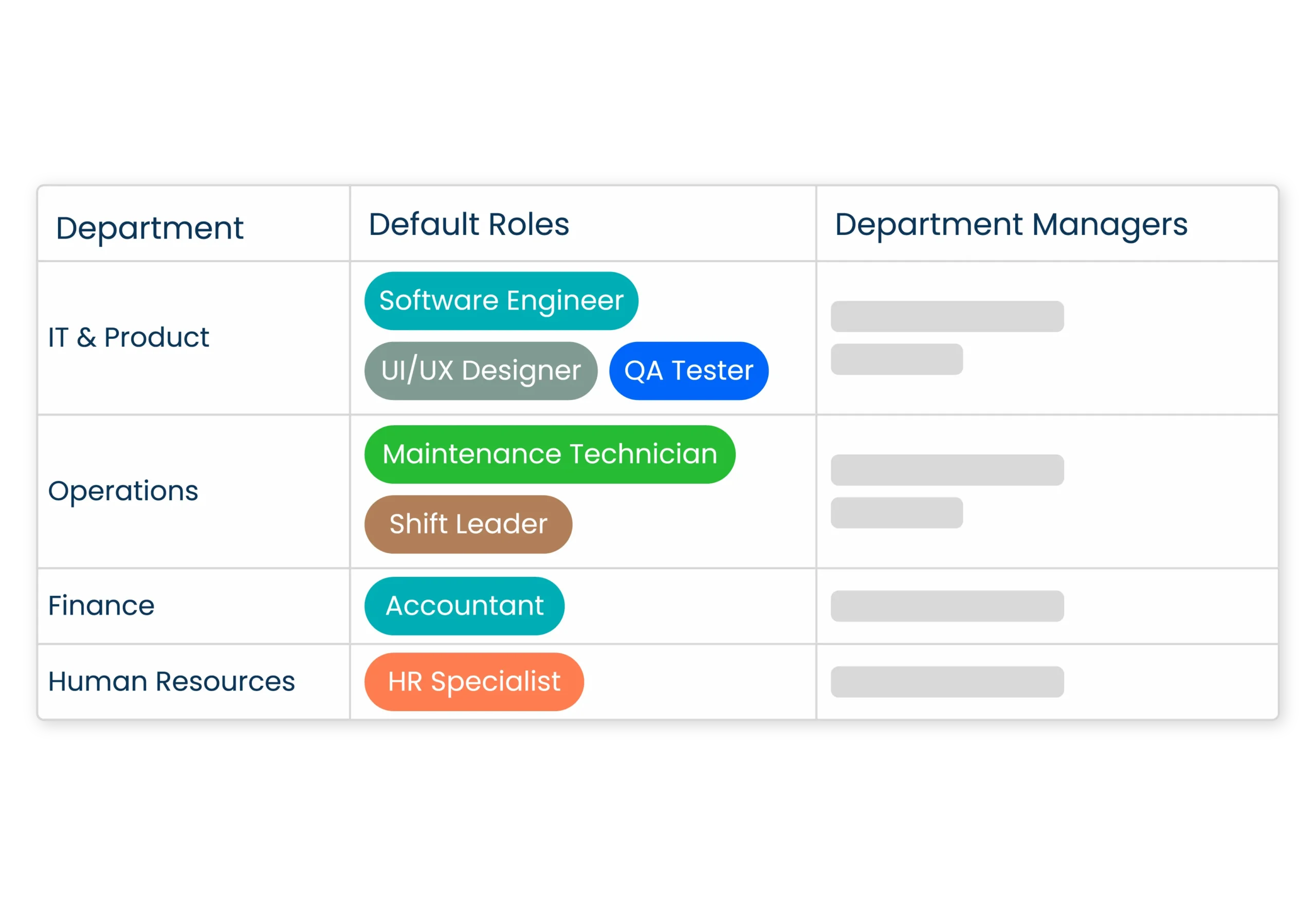
Role-based scheduling

Ensure that the right person is assigned to the right job every time. Teamclok’s role-based scheduling makes your departments more efficient.

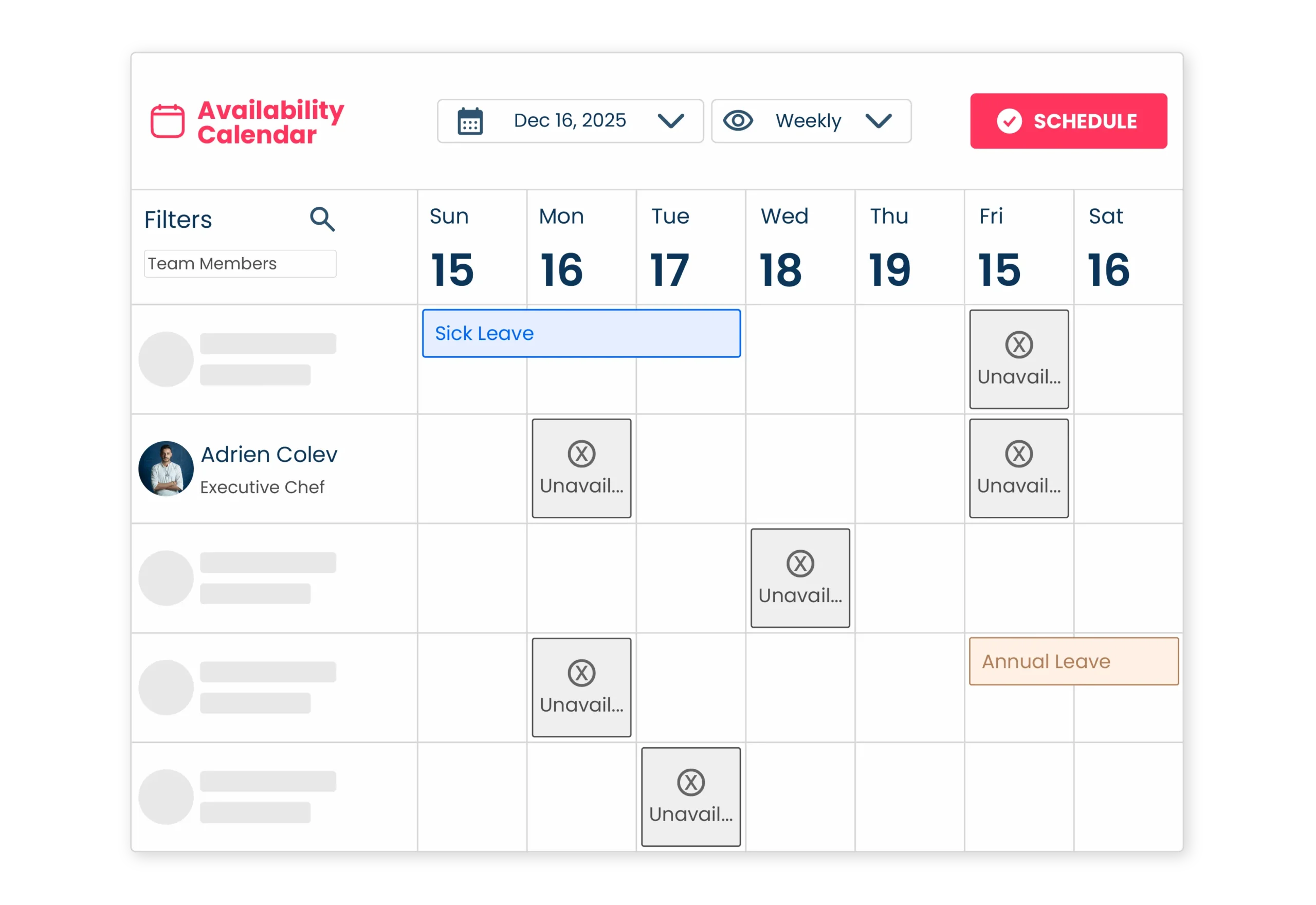
Availability Calendar

Never assign a shift to an employee who is unavailable.
Teamclok’s availability calendar helps you to create fairly and efficiently.

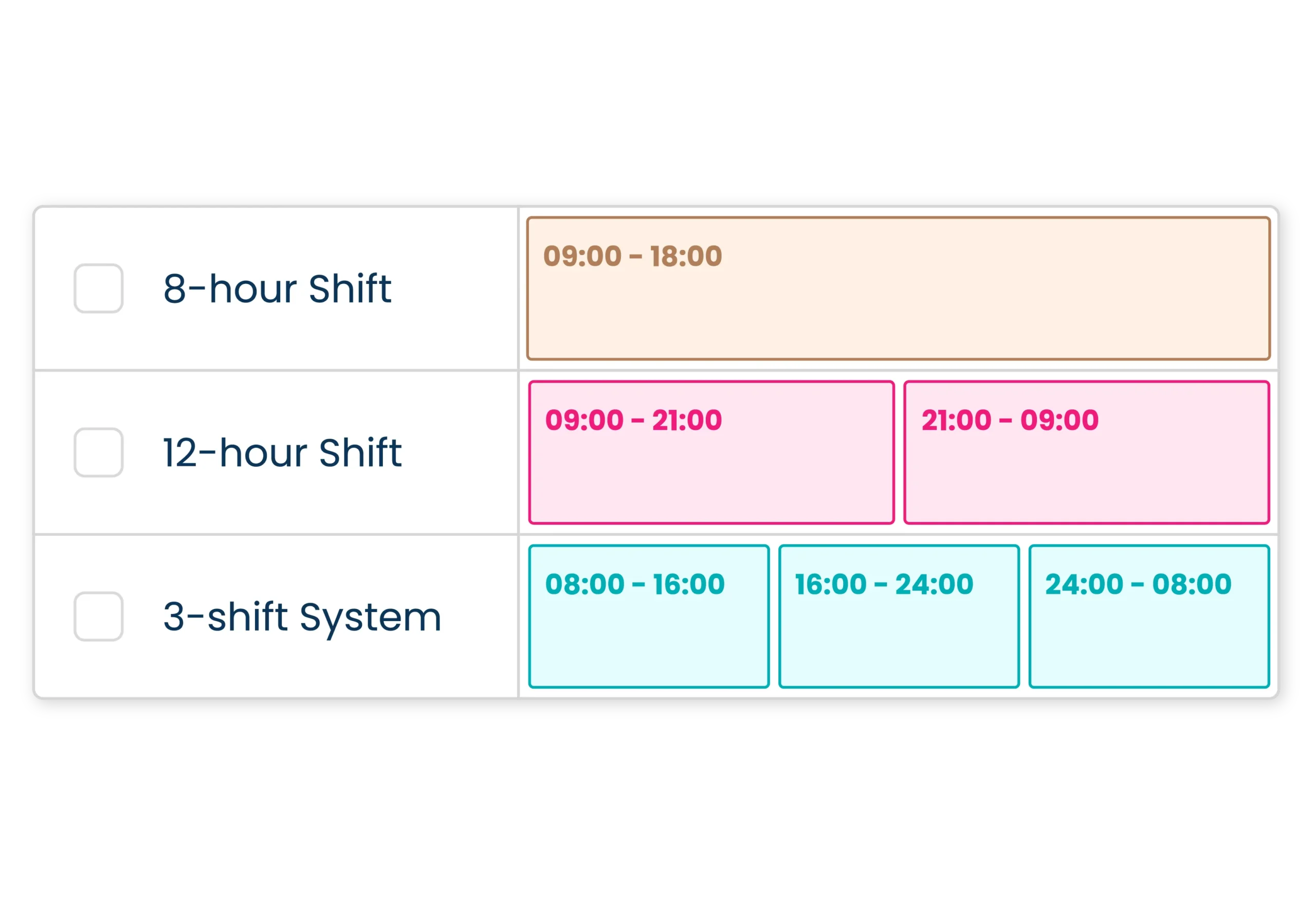
Shift system settings

Every business operates differently. With Teamclok, you can select a scheduling model that suits your business.

Join for Free Now

Sign Up for Free Now and Digitize Time Tracking in Your Business!

Free for Small Businesses!

teamclok
Up to 10 users
100 % FREE

Learn More

Mobile Time Tracking

Mobile Time Tracking

Auto Scheduling

Auto Scheduling

Time Off

Time Off

Task Management

Task Management

Frequently Asked Questions

How do employees clock in?

With the mobile app, employees can easily start their shifts by scanning a QR code or entering a PIN. This way, all work hours are accurately tracked — no missed clock-ins, no unrecorded work.

Absolutely. You can set up all your branches in the system and instantly see where each employee has clocked in. This ensures no mix-ups between branches and accurate reporting every time.

Additional Resources