Mobile time tracking and shift scheduling
Track time, manage your team, and schedule shifts with TeamClok’s free app.
Products
Your team, one app, total control
Mobile Time Clock
Shift Scheduling
Auto Scheduling
Time Off
Task Management
FREE FOR SMALL BUSINESSES!
teamclok
Up to 10 users
100 % FREE
Features
Powerful tools: Track, plan, manage!
Time and attendance tracking
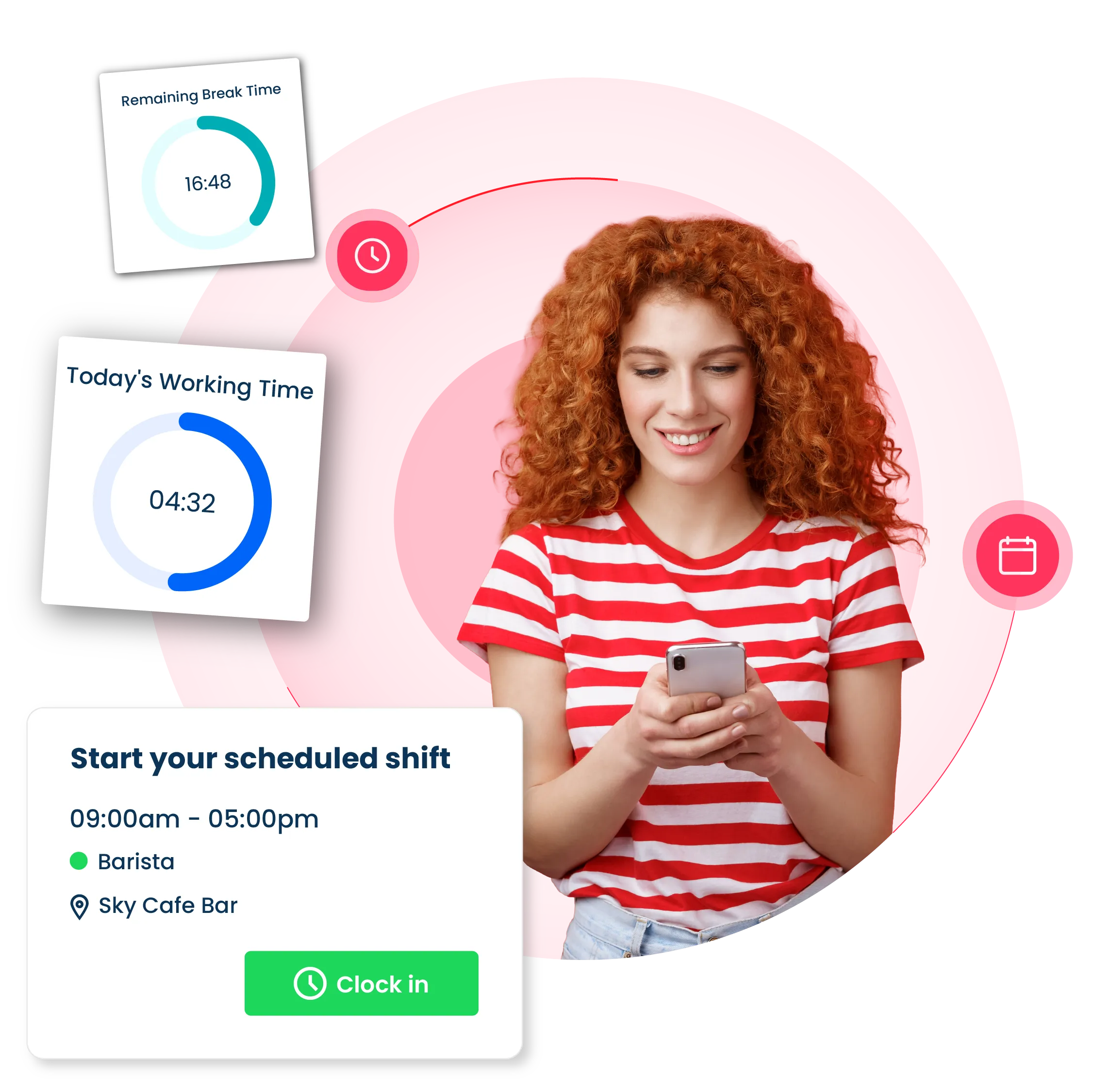
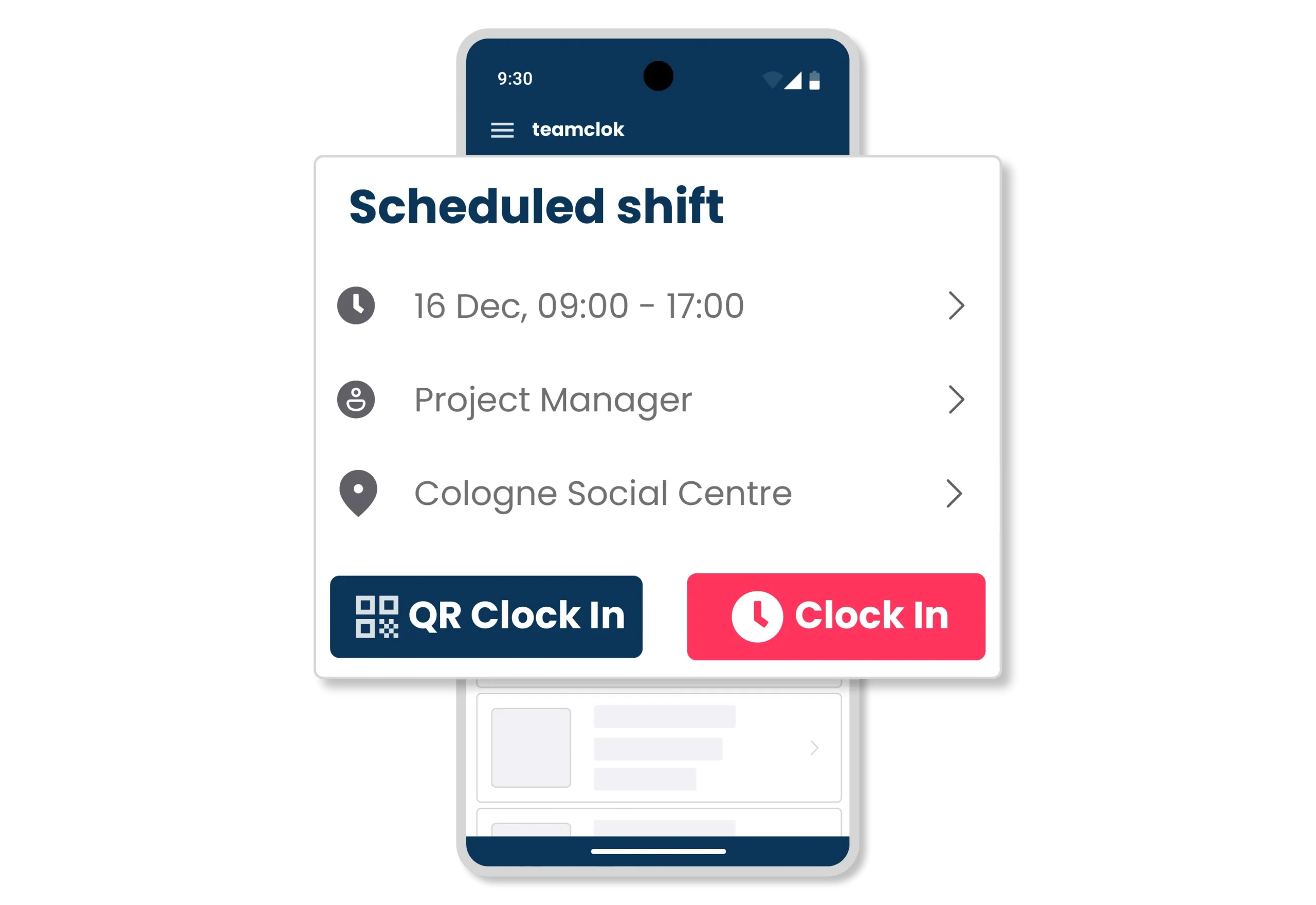
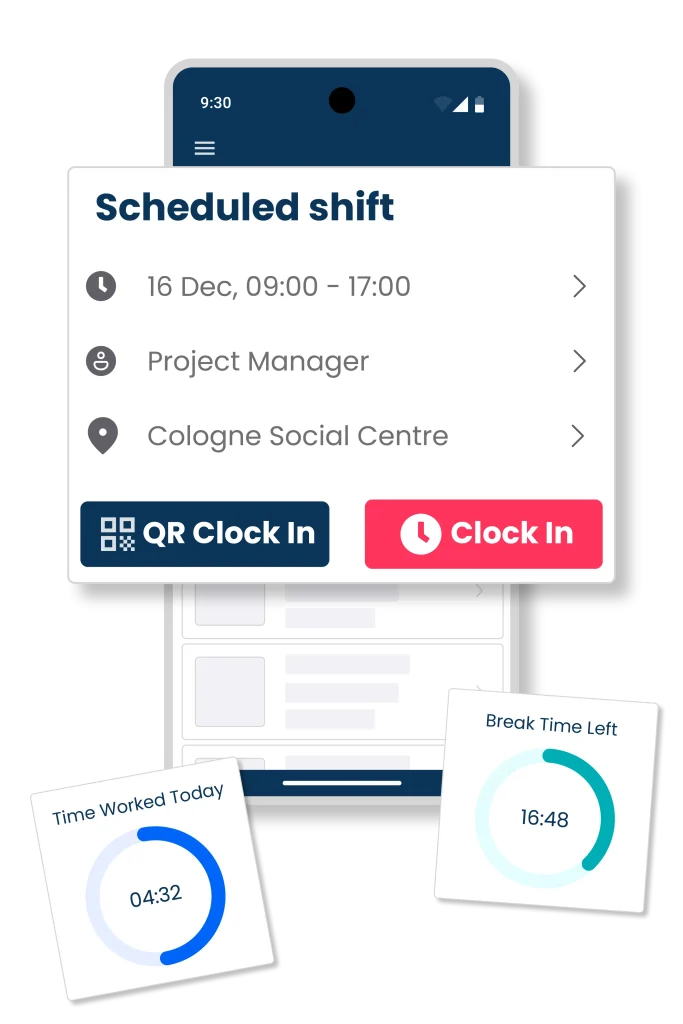
Track time easily with a PIN, QR code, or GPS. Use the ClicknClock mobile app and tablet kiosk to track hours, breaks, and overtime
You can easily track your hours, breaks, and overtime anywhere on your mobile device
Use a tablet kiosk in offices and fixed workplaces. Clock in and out quickly with a PIN or QR code
You can require employees to provide GPS and photo verification when they clock in and out
Employees can only clock in and out while they are within the geofenced location
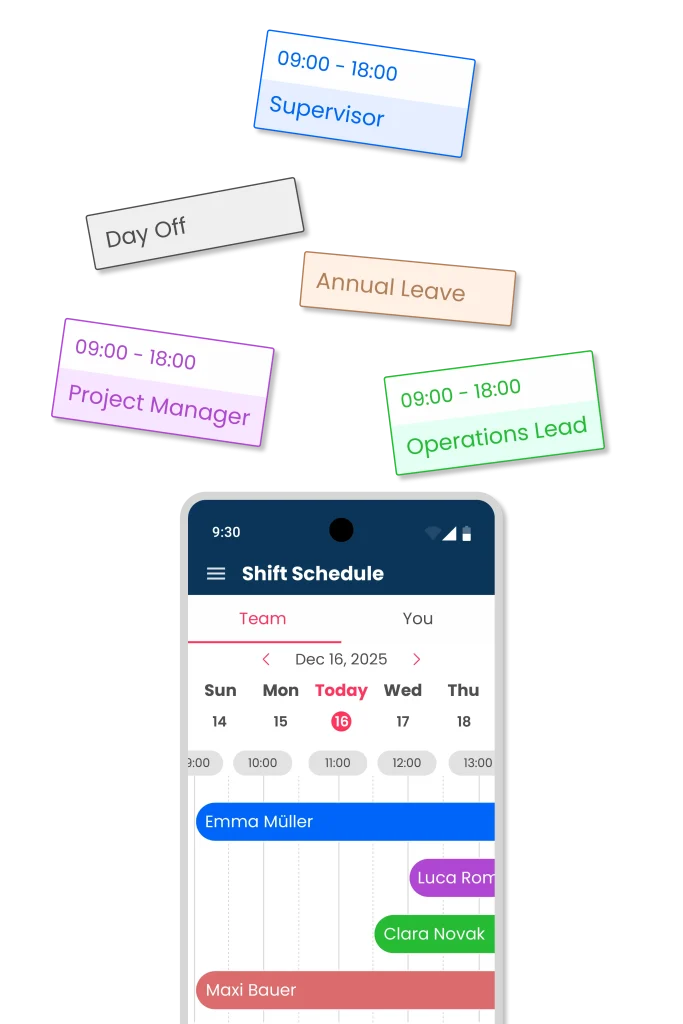
Shift scheduling software
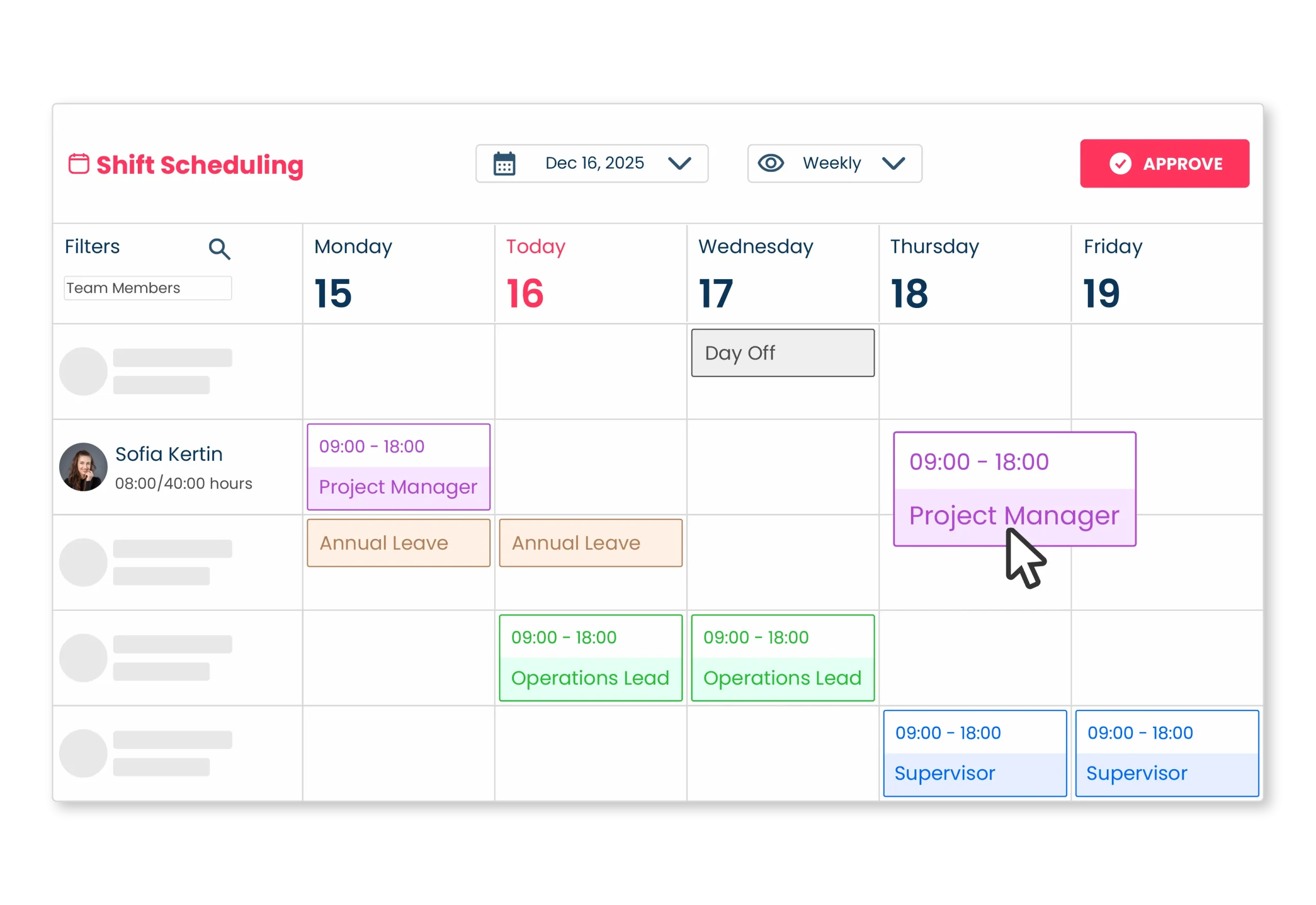
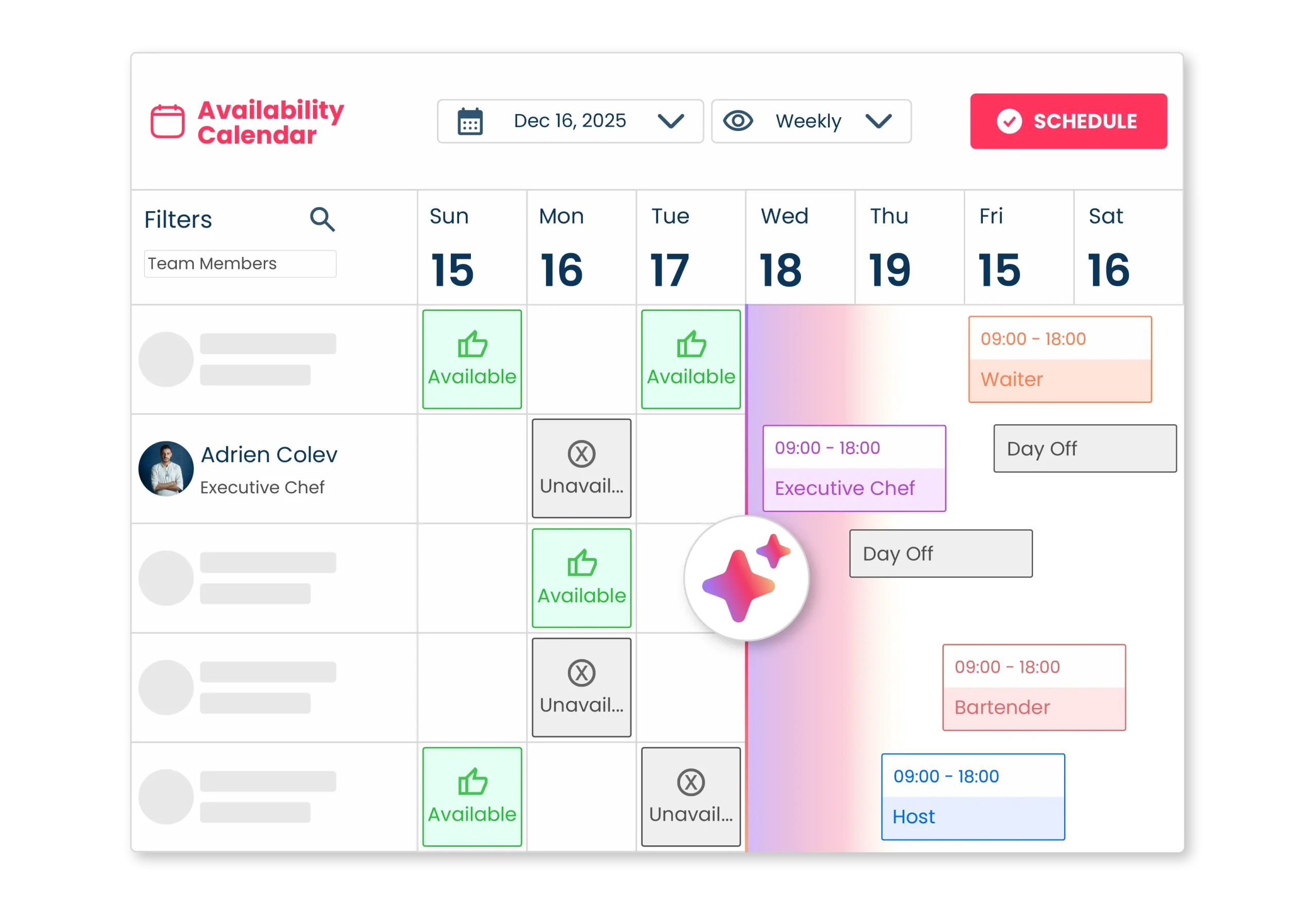
Save time on employee scheduling. Create, publish, and update your team’s schedules with our easy-to-use app
Shifts are planned in minutes based on employee roles, availability, and time off
With the Open Shift feature, employees can pick up shifts that have not yet been assigned
Save time by creating templates for your most frequently used shifts
Employees can trade shifts using the "Cancel Shift," "Exchange Shift," or "Offer Shift" requests
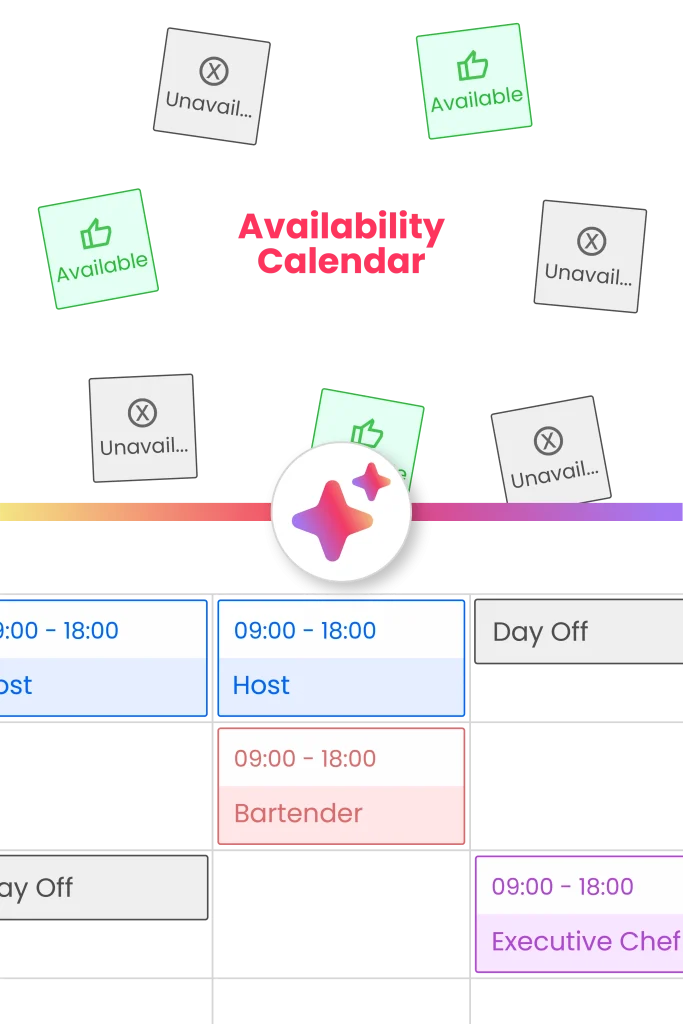
AI-powered auto scheduling
Assign the right employees to match shifts, avoid time conflicts, and optimize your workforce with Auto-Schedule
Set your own scheduling rules and let the system automatically fill your schedule
Set up automatic employee assignments based on availability and the best match
Shifts can be automatically assigned based on ratings and other attributes of employees
Set the flexibility of working hours, overtime, and rest rules when creating an auto schedule
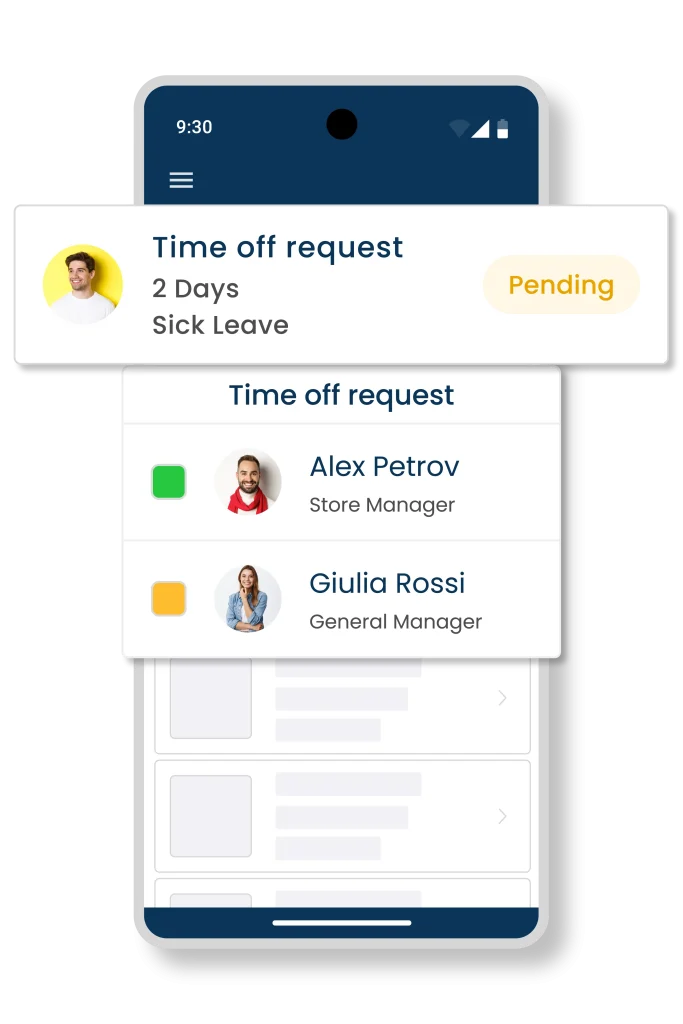
Time off management app
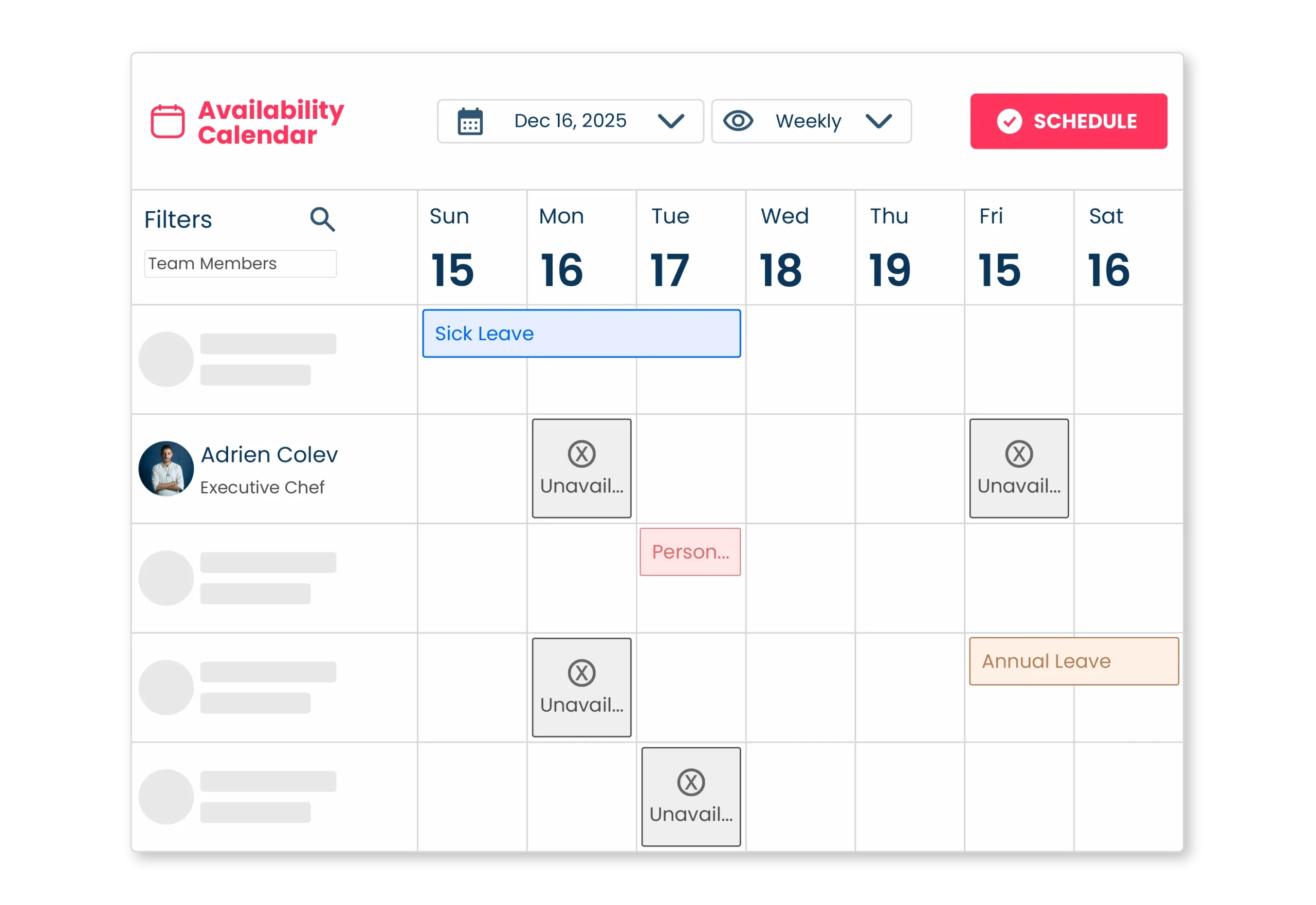
Track your team’s PTO, vacations, absences, and time off in real time with requests, policies, accruals, carry-over, and notifications
Time-off requests can be submitted online by employees and approved by managers
Easily track your employee's accrual balances and usage of PTO and vacation time
Set automatic shift assignments based on employee's overall rating, shift rating, and experience
Automatically generate shift plans following daily, weekly, and rest period rules
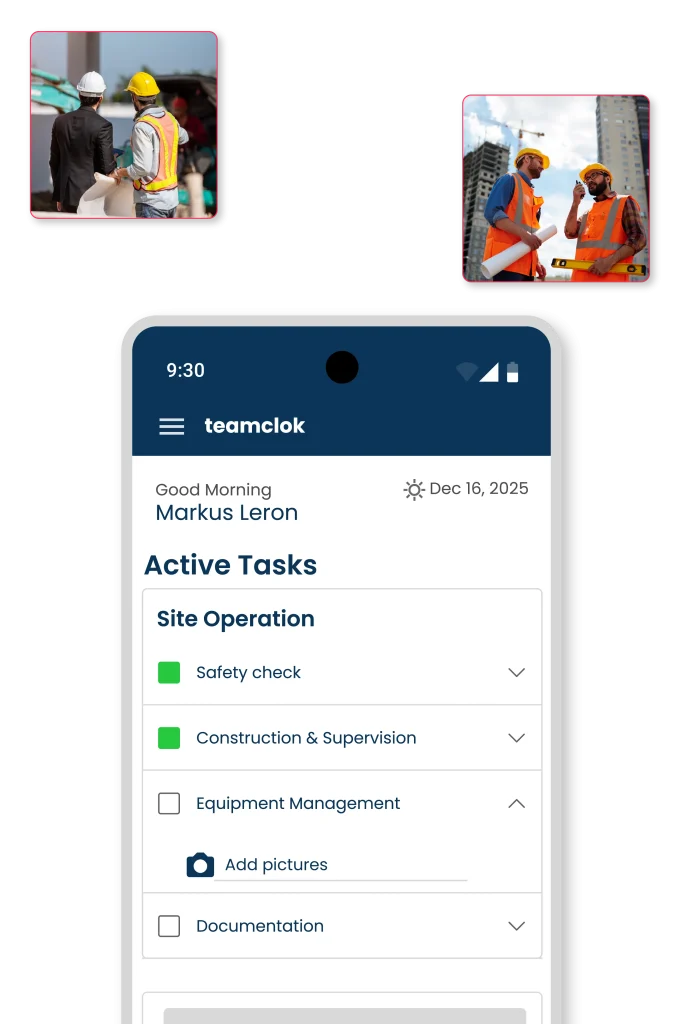
Task management app
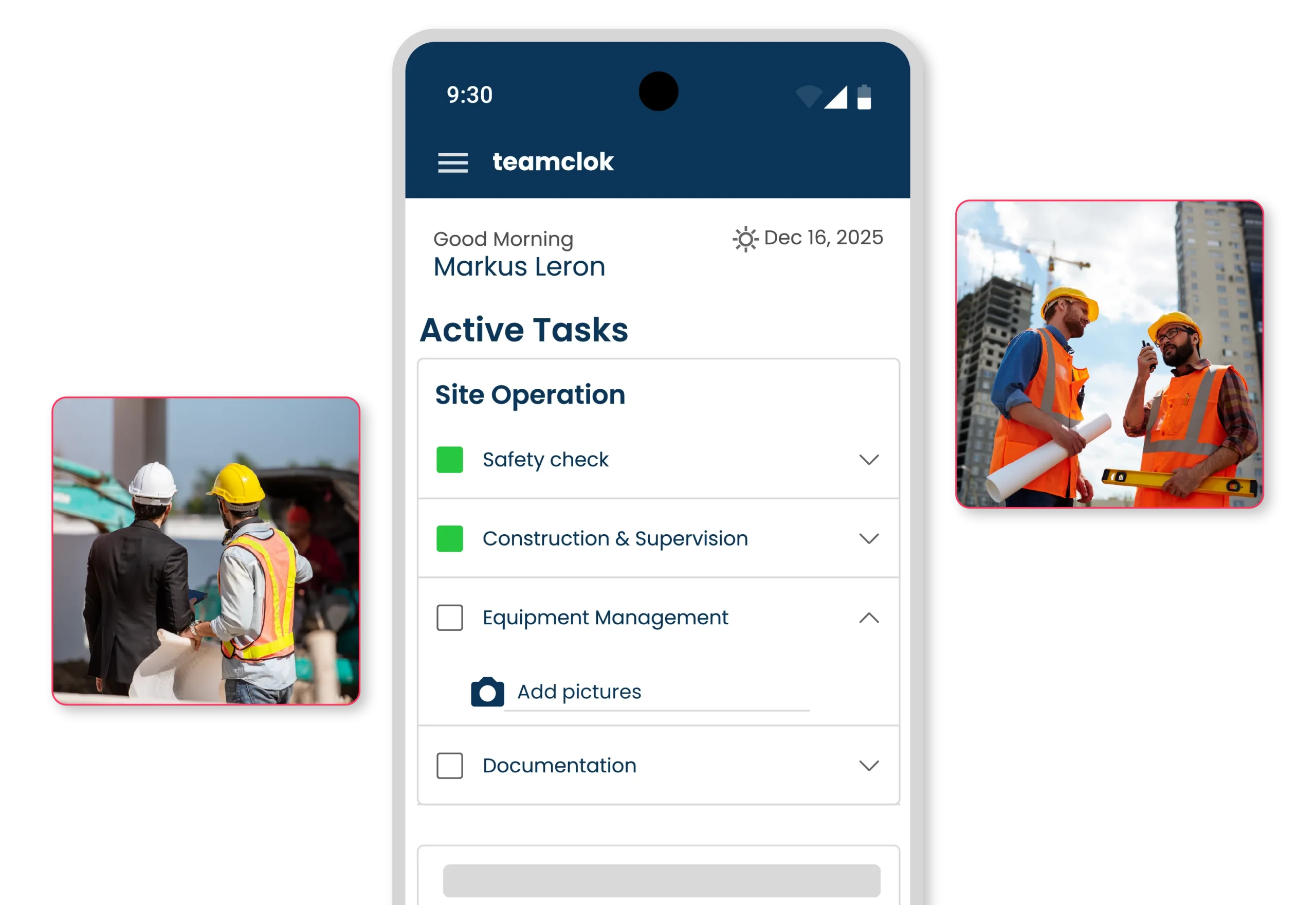
Our task management app lets you oversee non-desk teams with features including Beacon, GPS tracking, and photo verification
Create tasks and subtasks with attachments and share them with the non-desk team mobile app
You can ask the user to attach photos of the completed task and its subtasks
Create subtasks within a task. The main task won't be complete until all subtasks are finished
Use Bluetooth beacon devices to verify indoor task locations to within 5 meters
Mobile Time Clock
Track time easily with a PIN, QR code, or GPS. Use the ClicknClock mobile app and tablet kiosk to track hours, breaks, and overtime
You can easily track your hours, breaks, and overtime anywhere on your mobile device
Use a tablet kiosk in offices and fixed workplaces. Clock in and out quickly with a PIN or QR code
You can require employees to provide GPS and photo verification when they clock in and out
Employees can only clock in and out while they are within the geofenced location
Shift Scheduling
Save time on employee scheduling. Create, publish, and update your team’s schedules with our easy-to-use app
Shifts are planned in minutes based on employee roles, availability, and time off
With the Open Shift feature, employees can pick up shifts that have not yet been assigned
Save time by creating templates for your most frequently used shifts
Employees can trade shifts using the "Cancel Shift," "Exchange Shift," or "Offer Shift" requests
Auto Scheduling
Assign the right employees to match shifts, avoid time conflicts, and optimize your workforce with Auto-Schedule
Set your own scheduling rules and let the system automatically fill your schedule
Set up automatic employee assignments based on availability and the best match
Shifts can be automatically assigned based on ratings and other attributes of employees
Set the flexibility of working hours, overtime, and rest rules when creating an auto schedule
Time Off
Track your team’s PTO, vacations, absences, and time off in real time with requests, policies, accruals, carry-over, and notifications
Time-off requests can be submitted online by employees and approved by managers
Easily track your employee's accrual balances and usage of PTO and vacation time
Set automatic shift assignments based on employee's overall rating, shift rating, and experience
Automatically generate shift plans following daily, weekly, and rest period rules
Create tasks and subtasks with attachments and share them with the non-desk team mobile app
You can ask the user to attach photos of the completed task and its subtasks
Create subtasks within a task. The main task won't be complete until all subtasks are finished
Use Bluetooth beacon devices to verify indoor task locations to within 5 meters
Choose the perfect plan for your team
For 1 location up to 10 employees
Free forever
Einzelner Standort, maximal 10 Mitarbeitende
Advanced Time Tracking and Shift Scheduling
$3 /User/mo
+$19 base fee per location
Plus, Task Management & Time Off and PTO…
$5 /User/mo
+$19 base fee per location
For 1 location up to 10 employees
Free forever
Einzelner Standort, maximal 10 Mitarbeitende
Advanced Time Tracking and Shift Scheduling
$3 /User/mo
+$19 base fee per location
Plus, Task Management & Time Off and PTO…
$5 /User/mo
+$19 base fee per location